Get started
In this guide you will be guided on, how to login into your survey back office's portal account, also will get some understanding of your portal account and basic user interface.
Login Guide
Once the company has completed, the registration process from http://surveybackoffice.com/register page, they will receive an email regarding the details submitted. One more email will be sent to the team of survey back office (sbo) for activating the company's portal account. Once the sbo team has verified and activated the company's portal account, they will receive an portal account 's activation email on their registered email id. This email will contain the login login link and default login password of administrator user.
The user can use that link and credentials and login into the portal account.
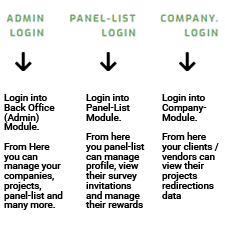
The portal's landing page has 3 options (modules) for login, 1st the back office (admin) login, 2nd the panel-list login and 3rd company's login.
- Back Office (Admin) : This is the main module used for managing your projects, panel-list and all the rest systems and operation.
- Panel-List Login : This is for your panel-list, where by they can manage only their profile , view survey invitations and rewards.
- Company Login : From this section your companies basically your clients and vendors can login into the portal and view their redirection data
How To Login Video Guide
Your Portal Account
The owernship of your portal account is based on the owernship of your registered email id and that is the main reason, we force companies to use company's email id. All the communication related to the new updates, plans etc are done on this email.
The software is been used by the employees of the registered and activate companies on subscription basis, either through free or paid plans. This subscription does not allows any individual or the company eligible for any type of ownership.
The company's portal account is been identified using a sub-domain and registered email id. After login into the back office module the admin user can edit their company account's (restricted) information. The admin user can also change subscription plans and also avail addon services.
Back Office User Interface
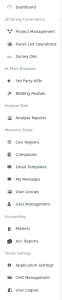
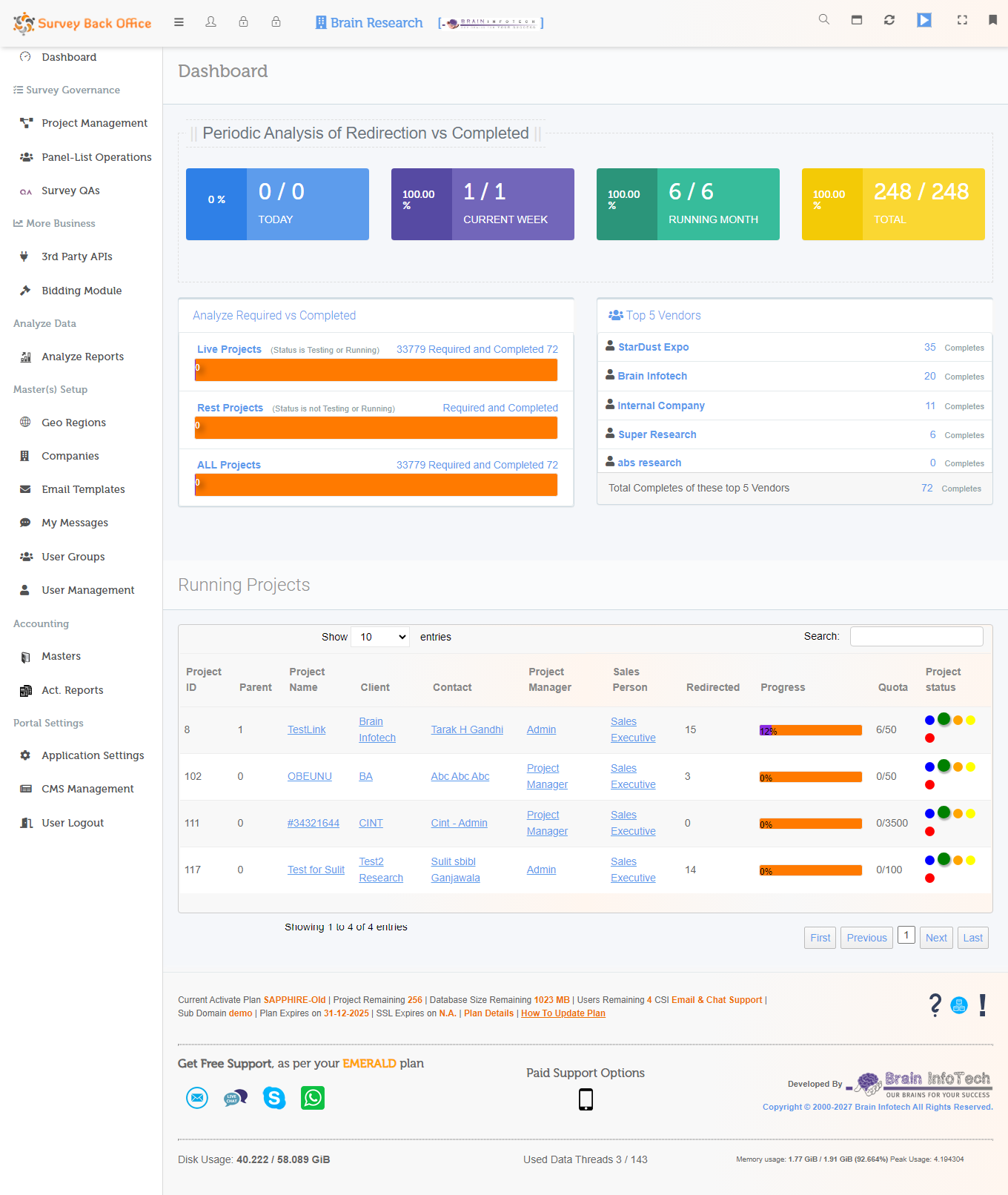
After back office user log's in, the logged user will be landing on the dashboard page, where by they can see a "Header Bar" and a navigation menu know as "Main Menu".